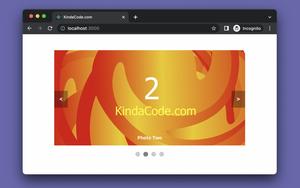
This practical walks you through the steps to implement an image carousel (slider) in React. We’ll make it from the ground up without any third-party NPM packages. No more ramble; let’s get our hands......
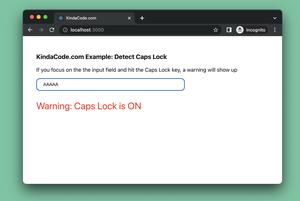
The complete example below shows you how to find out if the caps lock is currently ON when you are typing something into an input field in a React application. This will be useful in many situations, such as when a user types their......
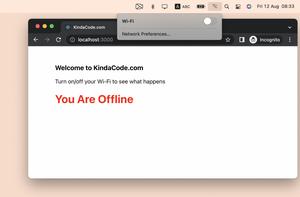
This succinct, practical article shows you how to check the internet connection in React by using hooks. No third-party libraries are required. What Is The Point? In Javascript, there is an object called navigator that can tell......
This practical article shows you how to create a word counter in React (in addition, we’re going to add a character counter, since it doesn’t take much effort). A Quick Note There is a common pitfall that some......
This practical, succinct article shows you how to load and render data from a local JSON file in React. Without any further ado, let’s get started. Importing Local JSON Files In a React project created with create-react-app,......
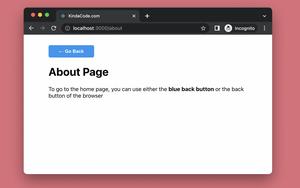
This practical article shows you how to implement a custom back button in a React application that uses React Router 6 (the latest version). Besides the browser’s back button, our custom back button will add convenience and......
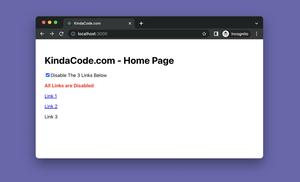
This succinct, practical article shows you 3 different ways to disable/inactivate a Link in a React application that uses React Router 6 (the latest version). We will explore the fundamentals and then apply them in a complete example.......
This practical and straight-to-the-point article shows you how to update objects and arrays in the state in React correctly. We’ll use the useState hook and functional components. Without any further ado, let’s get......
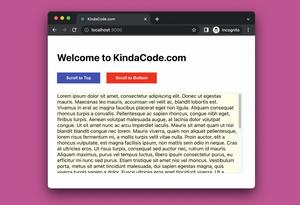
This concise and practical article shows you how to programmatically scroll to the bottom or to the top of a scrollable div element in React. The TL;DR Here is the process that we will go through: 1. Create a ref with the......
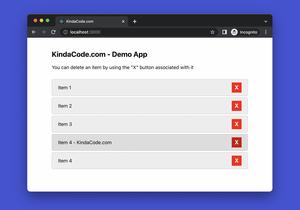
When developing web apps with React, there are innumerable cases where we have to render a list of things, such as a list of users, a list of tasks, a list of products, etc. In these situations, you might want to add a delete button to......
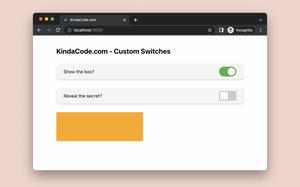
In web and mobile apps, a switch or a toggle lets users choose between a pair of opposing states, like ON and OFF, LIGHT and DARK, ACTIVE and INACTIVE, using a different appearance to indicate each state. Unfortunately, nowadays,......
This succinct, practical article shows you how to implement and customize range sliders in React. Everything will be made from scratch without using any third-party libraries. I won’t waste your time and bore you with......